

Scarab, now continued as Lumafly, is the one-click mod installer and manager for the PC version of Hollow Knight.
"Scarab Hollow Knight" refers to Scarab, the community mod installer for the PC version of Hollow Knight. It downloads, installs, and toggles mods without any manual file copying, which is why it is the standard starting point for modding the game.
Scarab has since been continued as Lumafly (formerly Scarab+), a maintained fork that does the same job with newer fixes. According to the Lumafly documentation, it automatically downloads the Modding API that mods require, then pulls its list from the official modlinks feed of 300+ mods.
The Hollow Knight modding wiki recommends a manager like this over hand-installing files, since the API version has to match the game and dependencies have to load in order. In practice, Scarab and Lumafly handle both automatically, so a mod is usually one search and one click away.
This guide covers what Scarab is, how to download and run it, how to add and enable mods, the most popular mods worth grabbing, and how to disable everything cleanly if you want the vanilla game back. None of it touches the console versions, which cannot be modded.
 A mod installer and manager for PC Hollow Knight, now continued as Lumafly.
 Downloads the Modding API and 300+ mods, with one-click enable and disable.
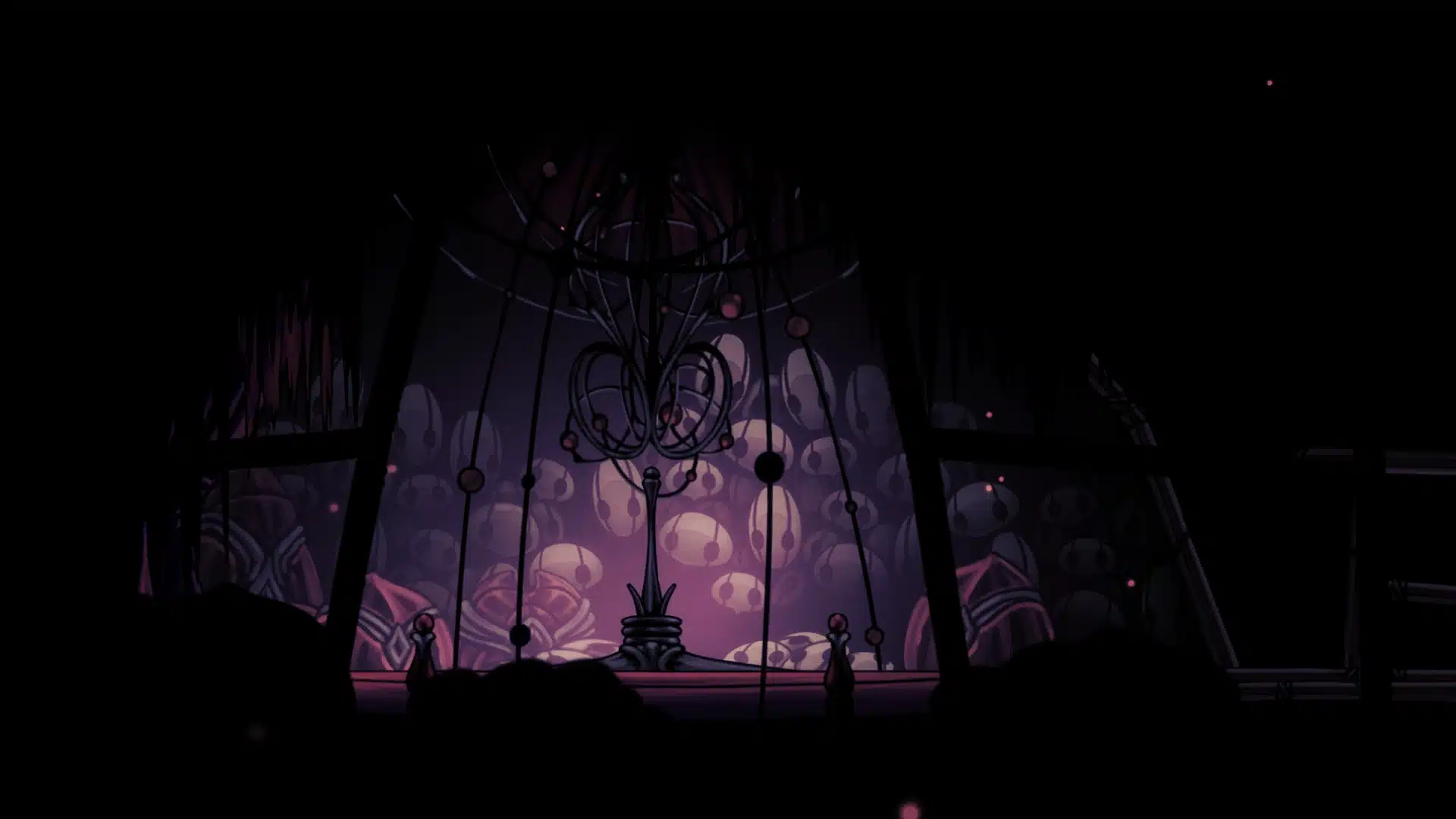 In the top-left corner of the title screen once installed.
 PC only (Steam, GOG); console versions cannot be modded.
Scarab is a standalone app, not an in-game menu. According to its documentation, it is a mod loader, installer, and manager rolled into one, built so that getting the 300+ available Hollow Knight mods takes a search and a click rather than manual file work.
The key thing it handles is the Modding API. Mods cannot load without it, and its version has to match the game. Scarab downloads and installs the correct API for you, which is the step most hand-modding guides get wrong.
It also reads the official modlinks feed, so the in-app list stays current. Per the project docs, you can search mods by name, tag, author, description, or dependency, and right-click to pin a mod so the manager never removes it on an update.
| Feature | Detail |
|---|---|
| Type | Mod loader, installer, and manager |
| Handles API | Downloads the matching Modding API |
| Mod count | 300+ from official modlinks |
| Manual installs | Supported for off-list mods |
| Offline mode | Toggle mods without internet |
Setup is short. The manager points itself at the game folder and handles the rest.
 the game data sits inside it.
Keep the base game updated to the current version before installing. In actual play, most load failures trace back to a Modding API that does not match the game build, which the manager fixes once both are current.
Once Scarab is running, mods are managed entirely from its window. According to the docs, the workflow is search, download, then toggle.
For mods that are not on the official list, Scarab provides a manual install button that places the files correctly. In practice, this covers test builds and niche mods that never shipped to modlinks.
A few mods show up in almost every modded  Hollow Knight setup. These are the common starting picks once Scarab is running.
| Mod | What it does |
|---|---|
| Custom Knight | Swaps in custom skins for the Knight and more |
| Randomizer 4 | Shuffles item and ability locations for a new run |
| DebugMod | Adds noclip, save states, and testing tools |
| Satchel | A shared menu framework many other mods rely on |
| QoL | Quality-of-life tweaks to the base experience |
The Randomizer in particular gives the game roguelike-style replay value, reshuffling where the charms, keys, and movement upgrades hide. Per the modding wiki, it is one of the most-installed mods in the whole catalog.
Mods never overwrite the base game files, so going back to vanilla is simple. According to the docs, every mod can be switched off from Scarab without uninstalling it.
In practice, this matters for achievements and for boss runs you want to keep legitimate. Toggle the mods off, beat the  bosses, even the hardest boss, on a clean save, then switch the mods back on afterward.
Once the mods are running, the base game is still the best place to start. These guides cover the charms, bosses, and economy a modded run builds on.


Scarab and Lumafly are community-made tools and are not affiliated with Team Cherry. Mod compatibility and feature details follow the official project documentation, which is updated by its maintainers.